Church Directory Update
Help keep our Church Directory updated!
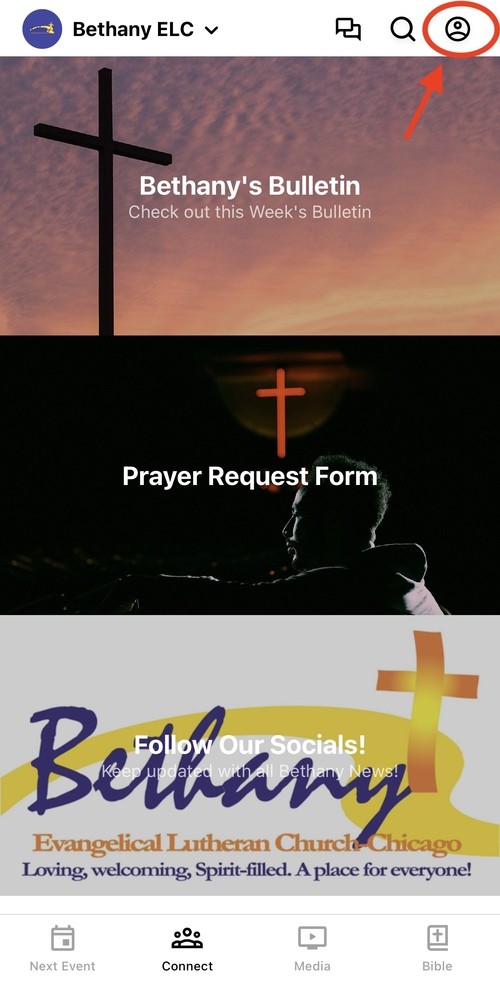
Once the information on your profile has been completed, all fields are automatically entered into the Church Directory. If there are changes you need to make, please follow the instructions below.
What are things YOU can edit/update:
What are the things you need to contact an ADMIN to edit/update:
What are things YOU can edit/update:
- Name
- Email address
- Phone Number
- Password
- Birthday
- Address
What are the things you need to contact an ADMIN to edit/update:
- Gender
- Marital Status
- Baptism Date
- Adding Children to your "Household"
- Merging another account to be in the same "Household"
How to Contact an Admin
- Go to Messages in the App
- Click the "All Congregation" group chat
- At the top, click the icon next to "All Congregation" to view all the members in the chat
- Click the "Members" tab for the group chat
- You can reach out to the 1 of the 2 members who are listed as "Group Manager" to update your additional information